Feature
Closures & special days
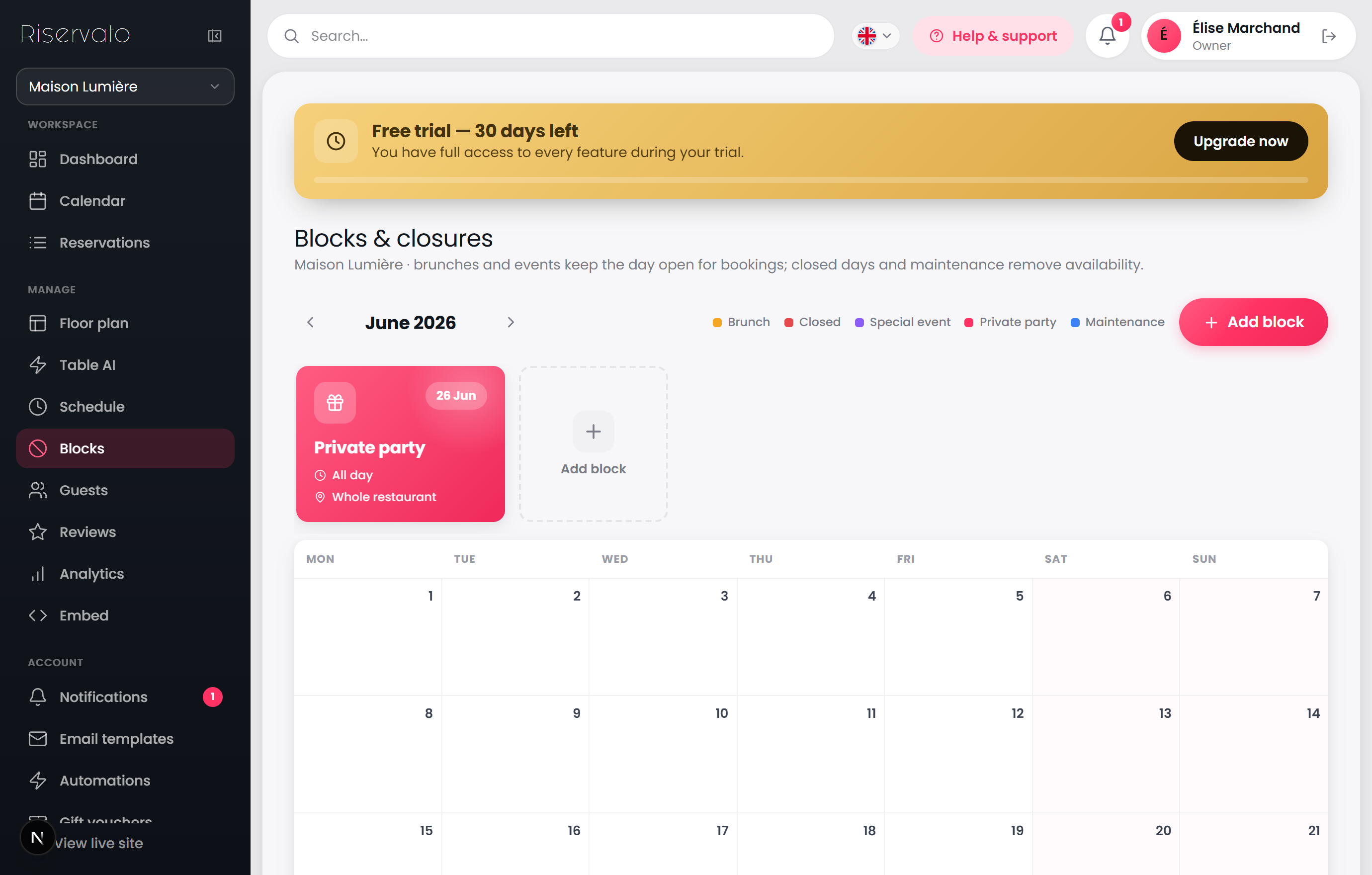
Close for a holiday or private buyout in a tap, or open a one-off brunch or event with its own hours.
What you can do
Pick a date on the calendar and choose a block type — a closure removes availability for that day.
“Open occasions” (Brunch, Event) instead open the day with their own hours and show a gold badge on your widget.
To block just one table, pick it from the table list; leave it on “Whole restaurant” to close everything.
Blocked slots disappear from guest availability instantly.