Feature
Branded guest emails
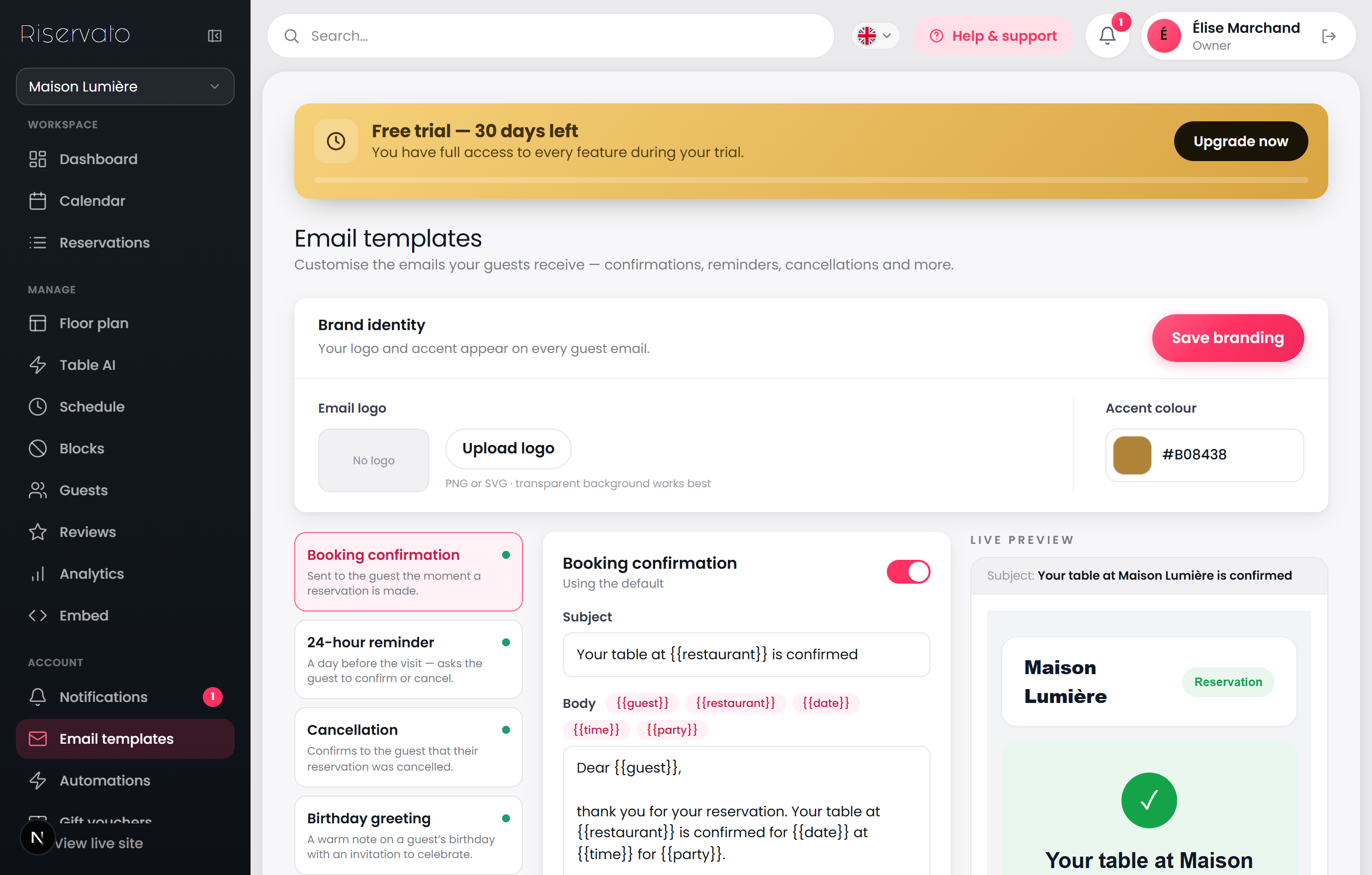
Every confirmation and reminder carries your logo and accent colour, on a polished layout you control.
What you can do
Pick a template and edit its subject and message; drop in guest details with the variable chips.
In the Brand identity panel, upload your logo and choose an accent colour — they appear on every guest email.
Toggle any automated email on or off, and reset to the default whenever you like.
The live preview shows exactly what guests will receive.