Feature
Service calendar
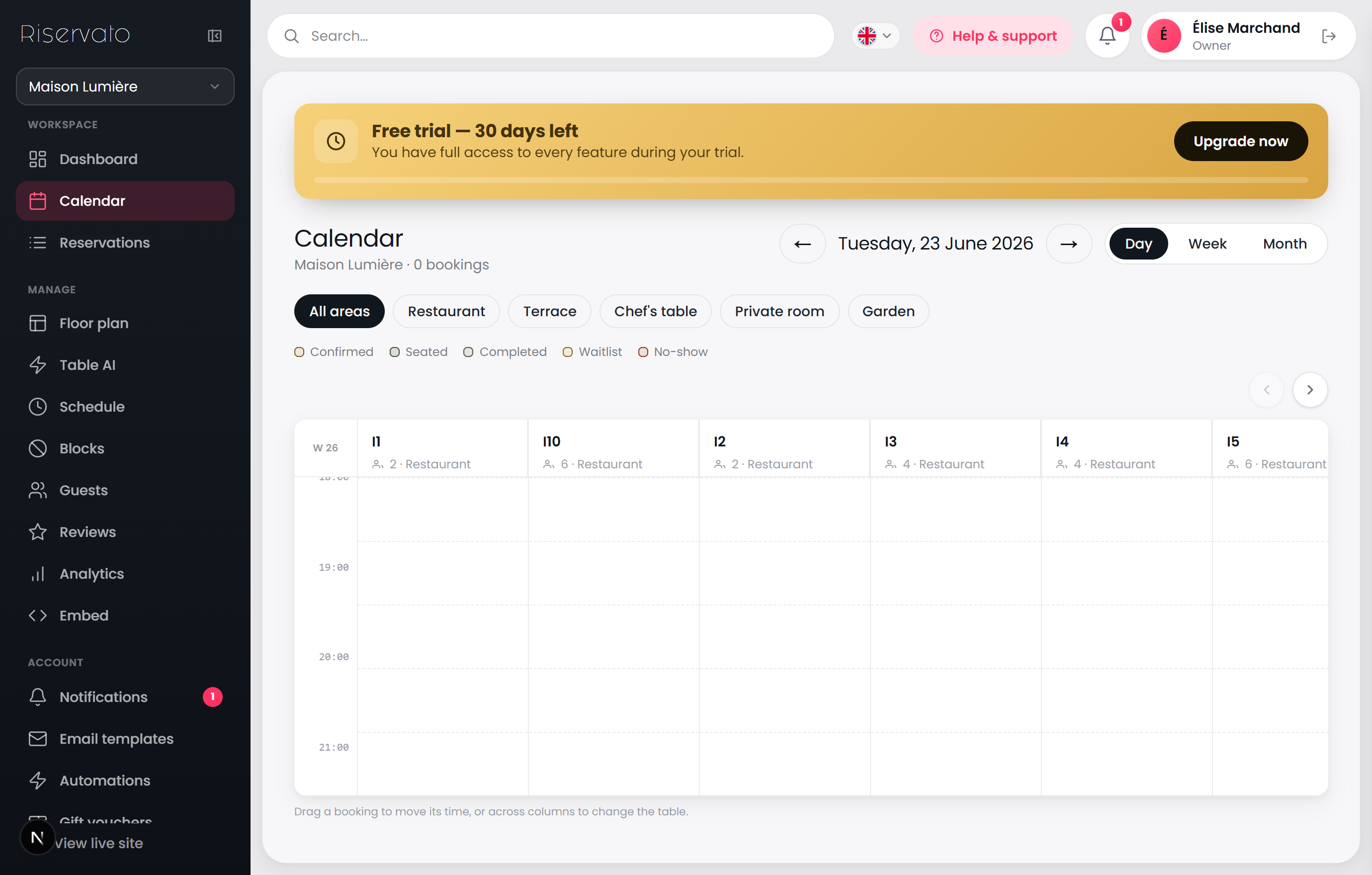
Day, week and month timelines. Drag a booking to reschedule it or move it to another table — and read the room before the rush.
What you can do
Switch between Day, Week and Month views and step through dates with the navigation.
Each reservation sits on its table column and time slot; status colours show confirmed, seated, completed and more.
Drag a booking up or down to change its time, or across columns to move it to another table — in Week view, drag it onto another day.
Filter to one room with the area pills, and click a booking to open its details drawer.